




Terra

Integration

API
Unified API
SDK
SDK
Authentication
Authentication
Streaming
Streaming
Blood
Blood Report API
Planned Workout
Planned Workout
AI Interface
AI Interface

User engagement

Graph API
Graph API
Scores
Health Scores
Rewards
Health Rewards

Use cases

Enterprise
Enterprise
Insurance
Insurance

Developers

Wearable Data
Wearable Data
Community
Community
Documentation
Documentation

Learn

Blog
Blog
Podcast
Podcast
Events
Events
Reports
Reports

Company

Customers
Customers
Careers
Careers
Partners
Partners
Support
Support
Become an integration

Unlock the power of realtime data

Stream real time data from wearables, through BLE and ANT+. Connect to the SDK, and enable your users to connect their devices to your app.
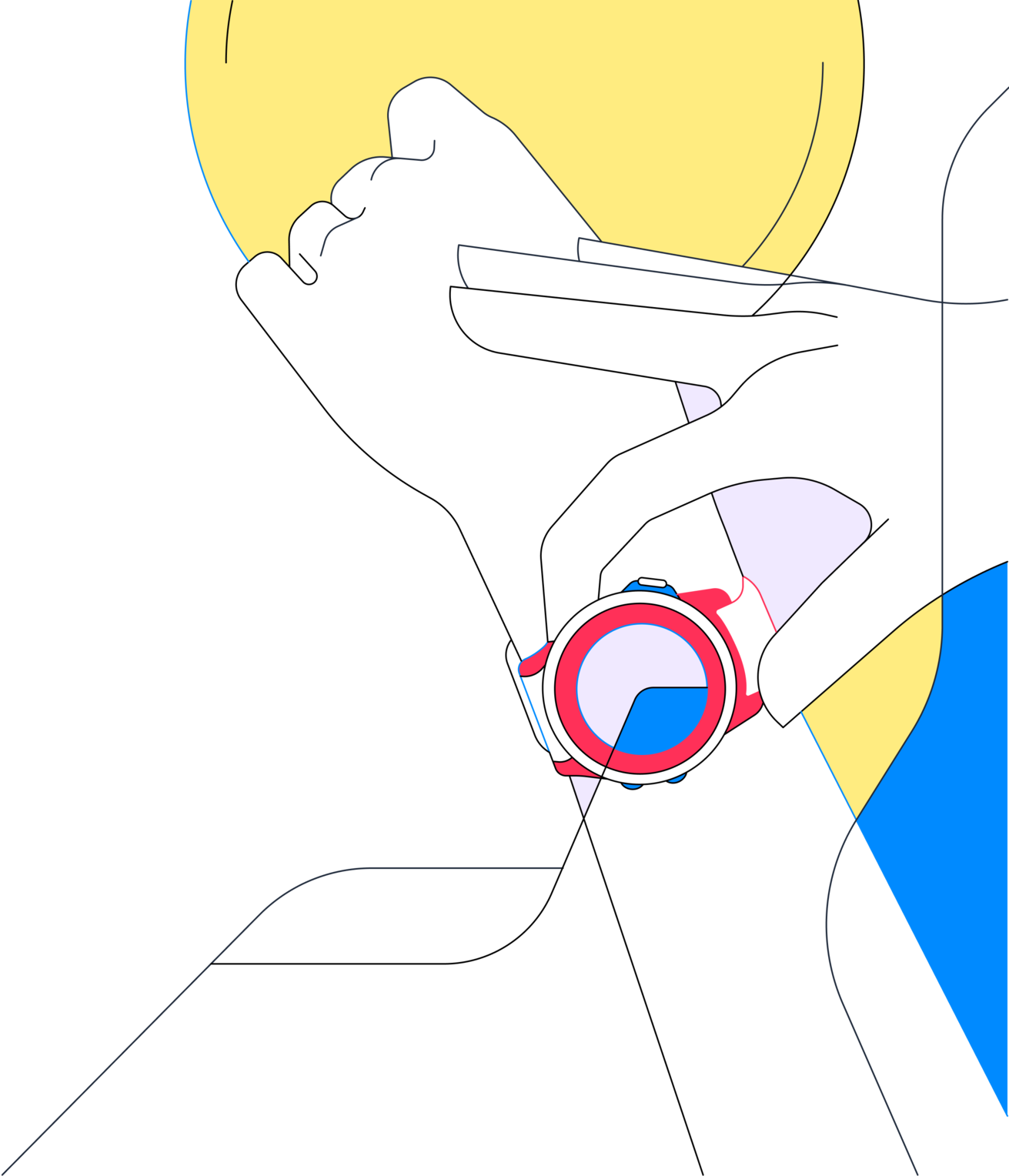
person wearing smart watch
Regardless of the Source
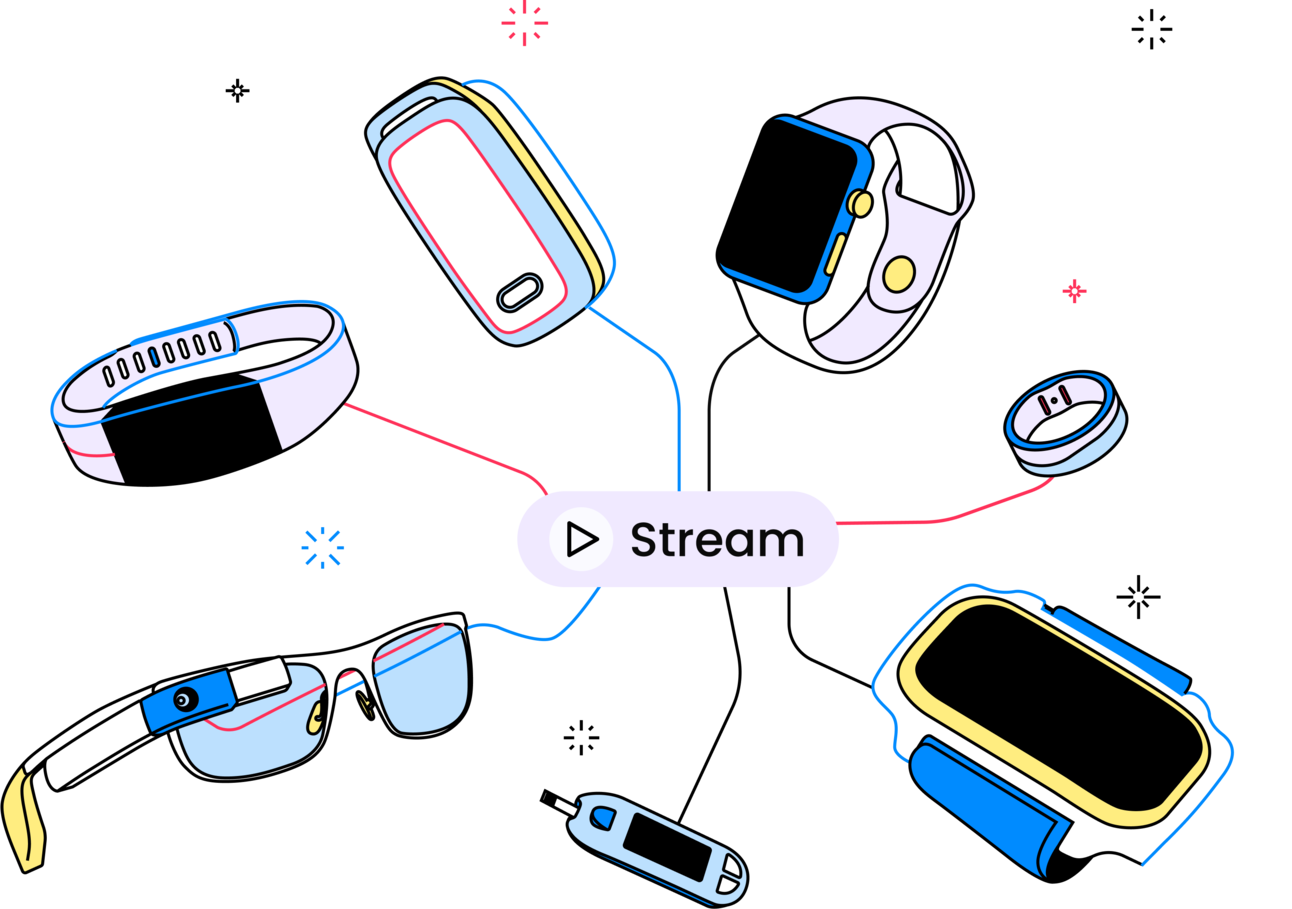
Stream from devices whether they support Bluetooth Low Energy, ANT+, or from the phone itself
Historic Message
Never miss a single data point, repeat previously streamed payloads
Realtime
Stream in realtime messages from as many user's devices with little to no latency
intro-1
intro-2
intro-3

Built-in Front end module

We provide you with a customizable front end module, to connect your user's device to your app, trough Bluetooth, ANT+ and BLE.
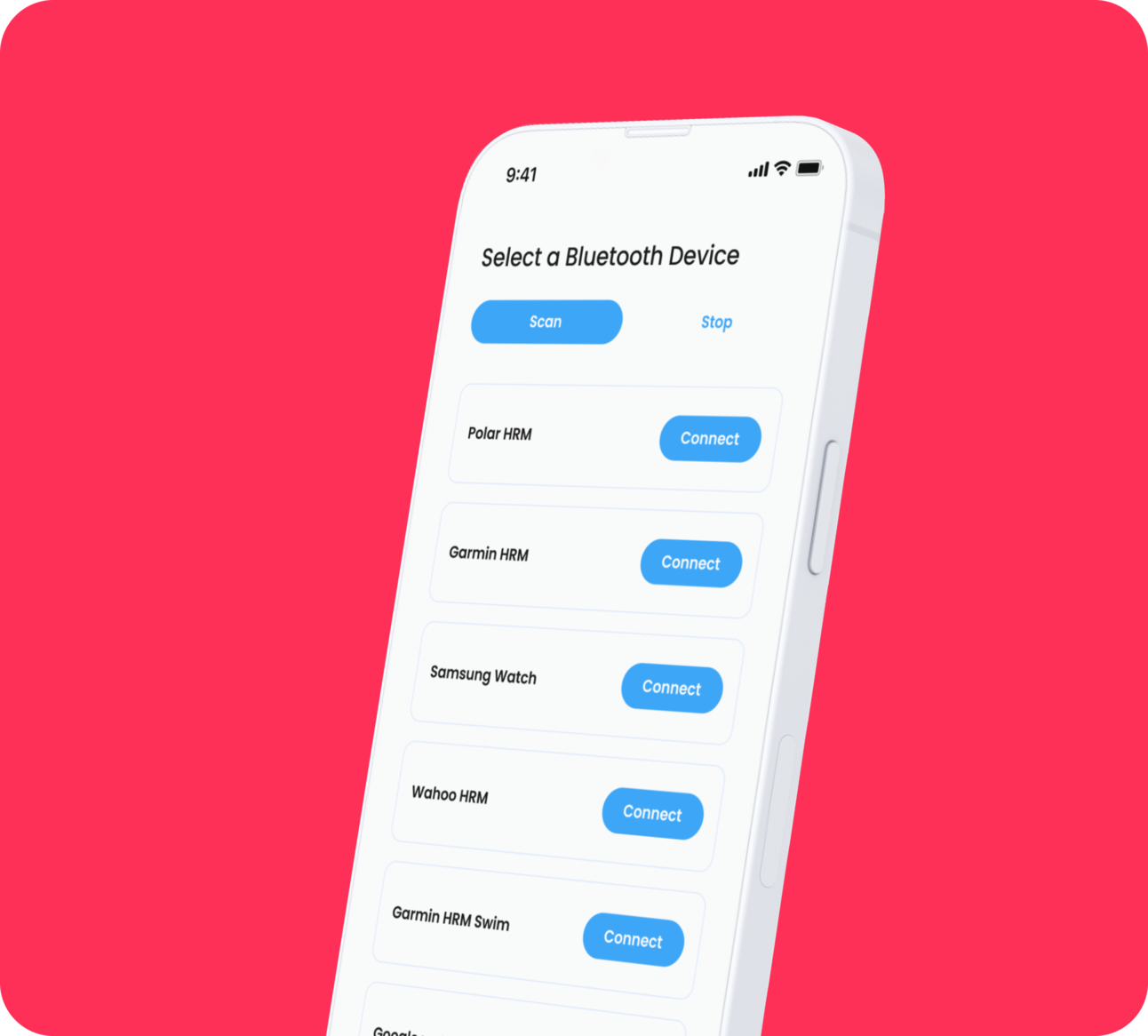

Built-in Front end module

Data Security

ProtectionConnect to the device with authentication
ReliabilityStreamed from BLE and ANT+
CoherenceNormalised data structure for every data stream
Error preventingReplay unseen messages in case of disconnection
Supported Devices

Supported Devices

Heart rate monitors from Polar, Garmin, Suunto, Wahoo, and many others, or any devices that are equipped with ANT+ or BLE sensors, such as the Apple Watch, WHOOP, Garmin and many more.
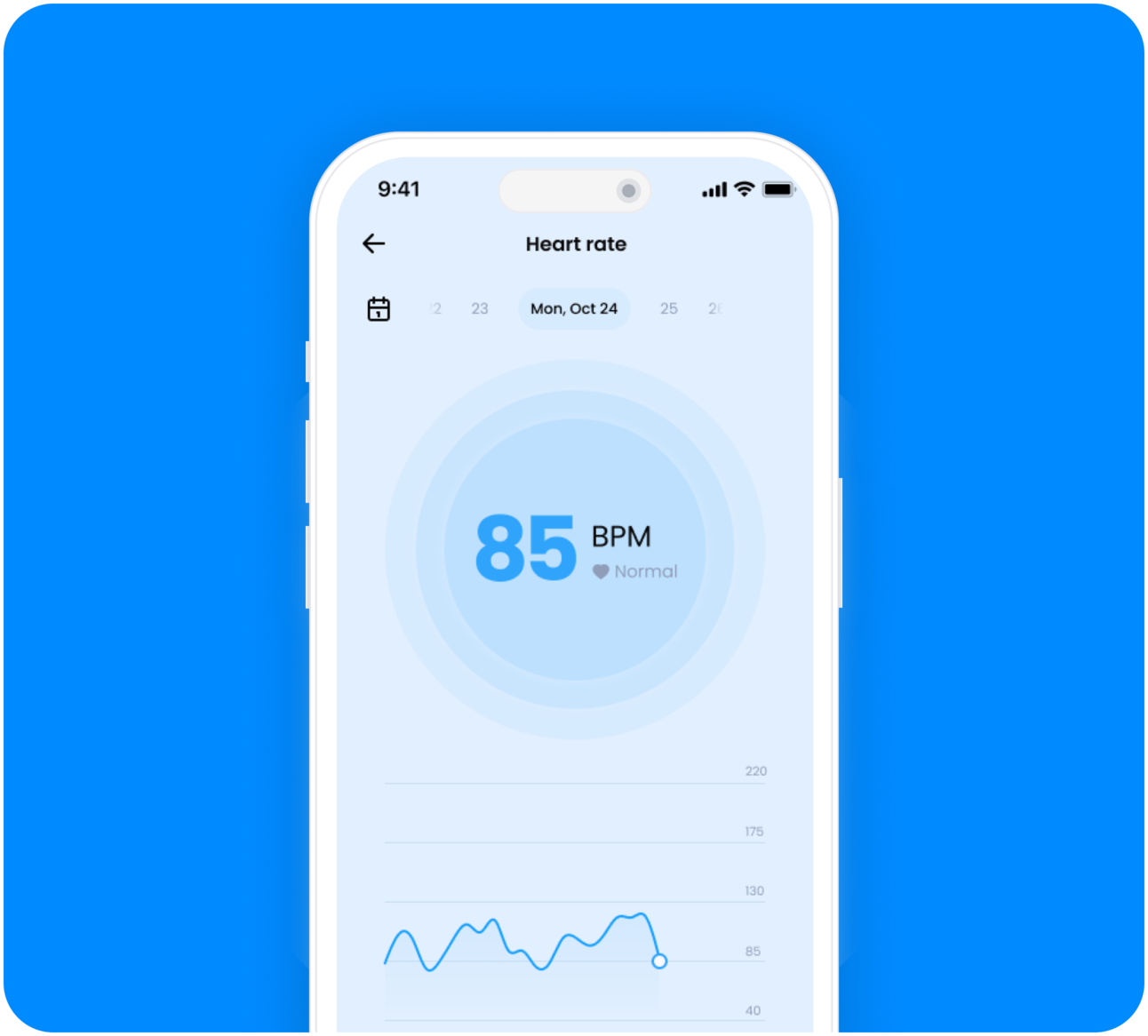

Stream Data

Stream heart rate data through your app, with a simple connection.
Stream Data
How it works
Flutter
iOS
Android
1
Connect to a device
Choose to connect to a BLE, ANT+, or mobile device sensor.
1await TerraFlutterRt.init(devId, "reference_id");
2await TerraFlutterRt.initConnection(sdktoken);
3await TerraFlutterRt.startBluetoothScan(
4	.BLE,
5	useCache: true
6);
1await TerraFlutterRt.init(devId, "reference_id");
2await TerraFlutterRt.initConnection(sdktoken);
3await TerraFlutterRt.startBluetoothScan(
4	.BLE,
5	useCache: true
6);
2
Start streaming to your app
Stream the data locally in your app.
1void dataCallback(Update data) {
2	print(data);
3}
4await TerraFlutterRt.startRealtimeToApp(
5	Connection.apple,
6	[DataType.gyroscope,
7	DataType.steps], dataCallback
8);
1void dataCallback(Update data) {
2	print(data);
3}
4await TerraFlutterRt.startRealtimeToApp(
5	Connection.apple,
6	[DataType.gyroscope,
7	DataType.steps], dataCallback
8);
3
Stream to your websocket server
Stream the data to a server using a websocket connection.
1await TerraFlutterRt.startRealtimeToServer(
2	Connection.android,
3	[DataType.heartRate],
4	websockettoken
5);
1await TerraFlutterRt.startRealtimeToServer(
2	Connection.android,
3	[DataType.heartRate],
4	websockettoken
5);

Ask, Learn, and Connect

Explore the community forum and connect to Terra API with ease.

The world's best health apps run on Terra data

ProductsIntegrations Authentication Mobile Development Documentation GraphAPI
DocumentationAPI SDK Quickstart
CommunityBlog Research Community Podcast Github
CompanyAboutCareersCustomersBecome an IntegrationCookies PolicyGDPRPrivacy PolicyTerms of Purchase
© Terra API. 2025 — All rights reserved.

Cookie Preferences

Essential CookiesAlways On
Advertisement Cookies
Analytics Cookies

Crunch Time: Embrace the Cookie Monster Within!

We use cookies to enhance your browsing experience and analyse our traffic. By clicking “Accept All”, you consent to our use of cookies according to our Cookie Policy. You can change your mind any time by visiting out cookie policy.